Years of practical experience. Understanding every generation of business systems.
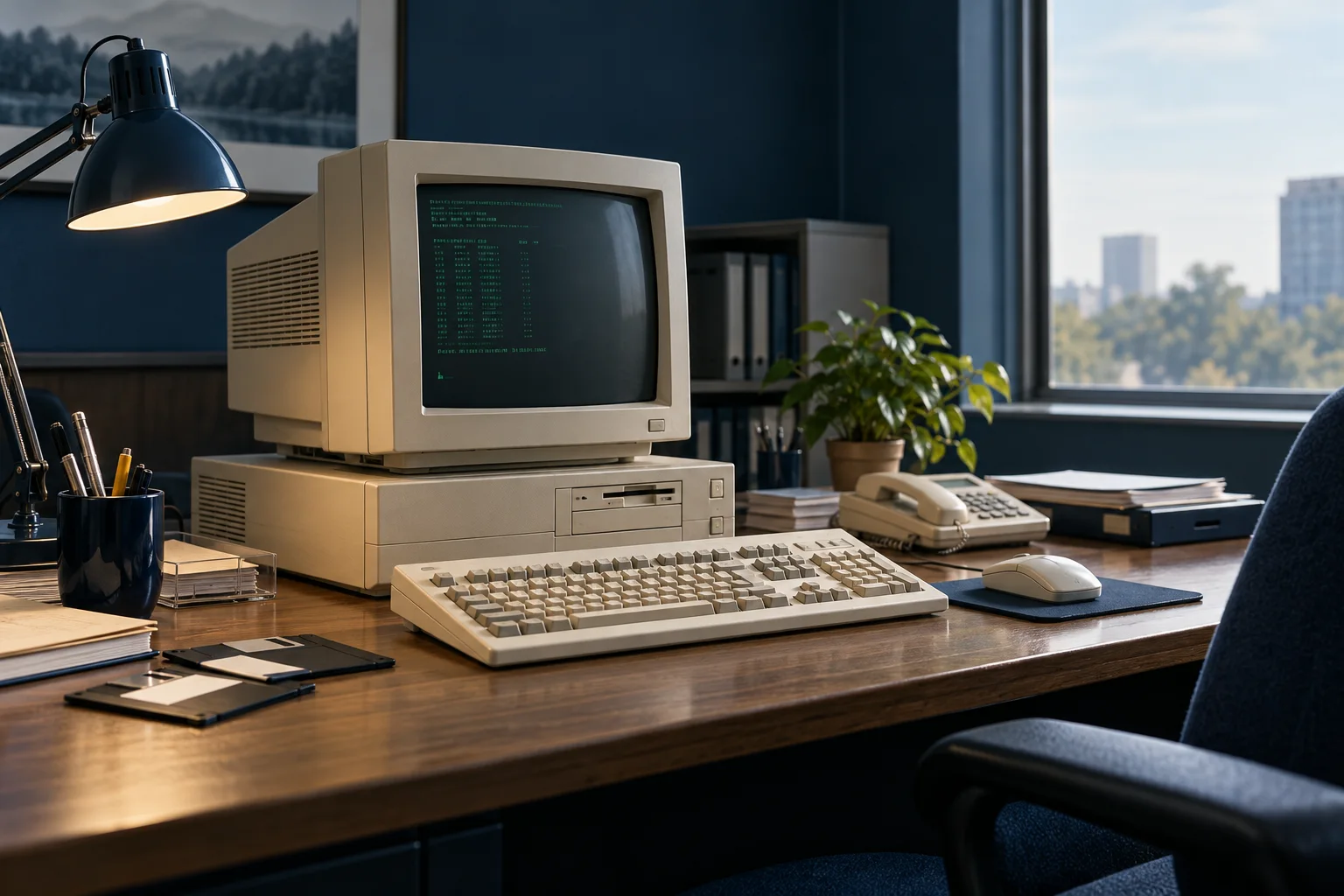
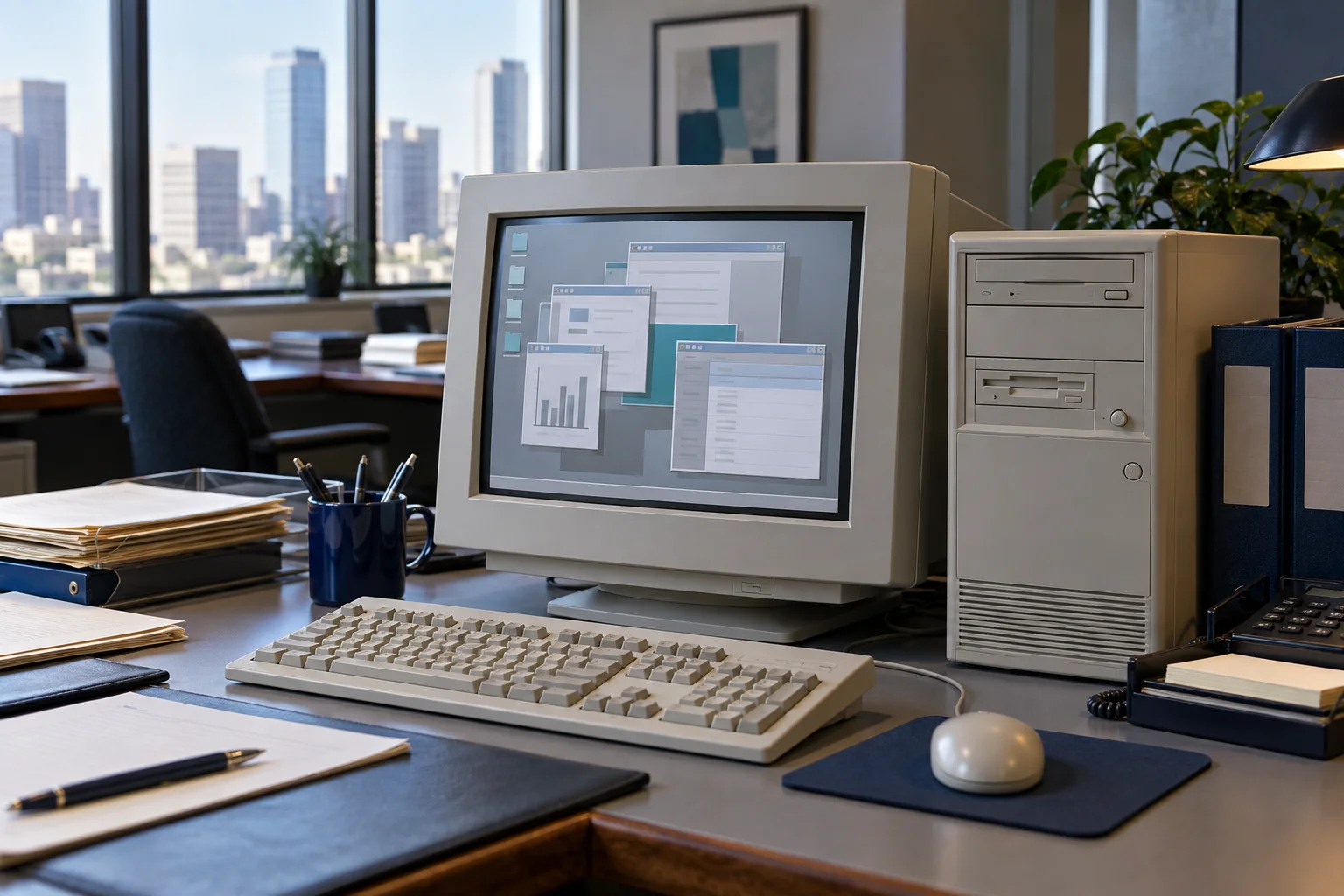
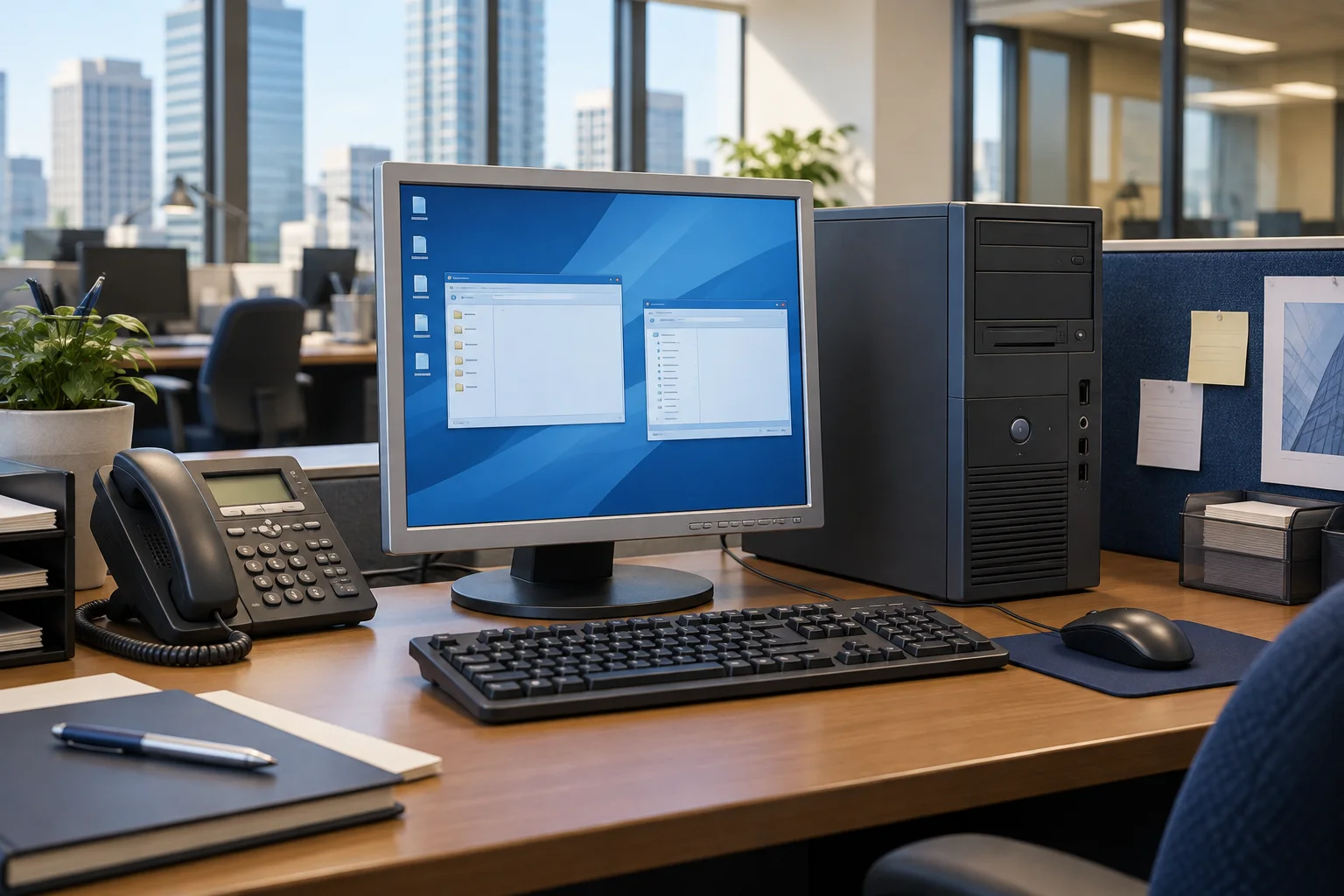
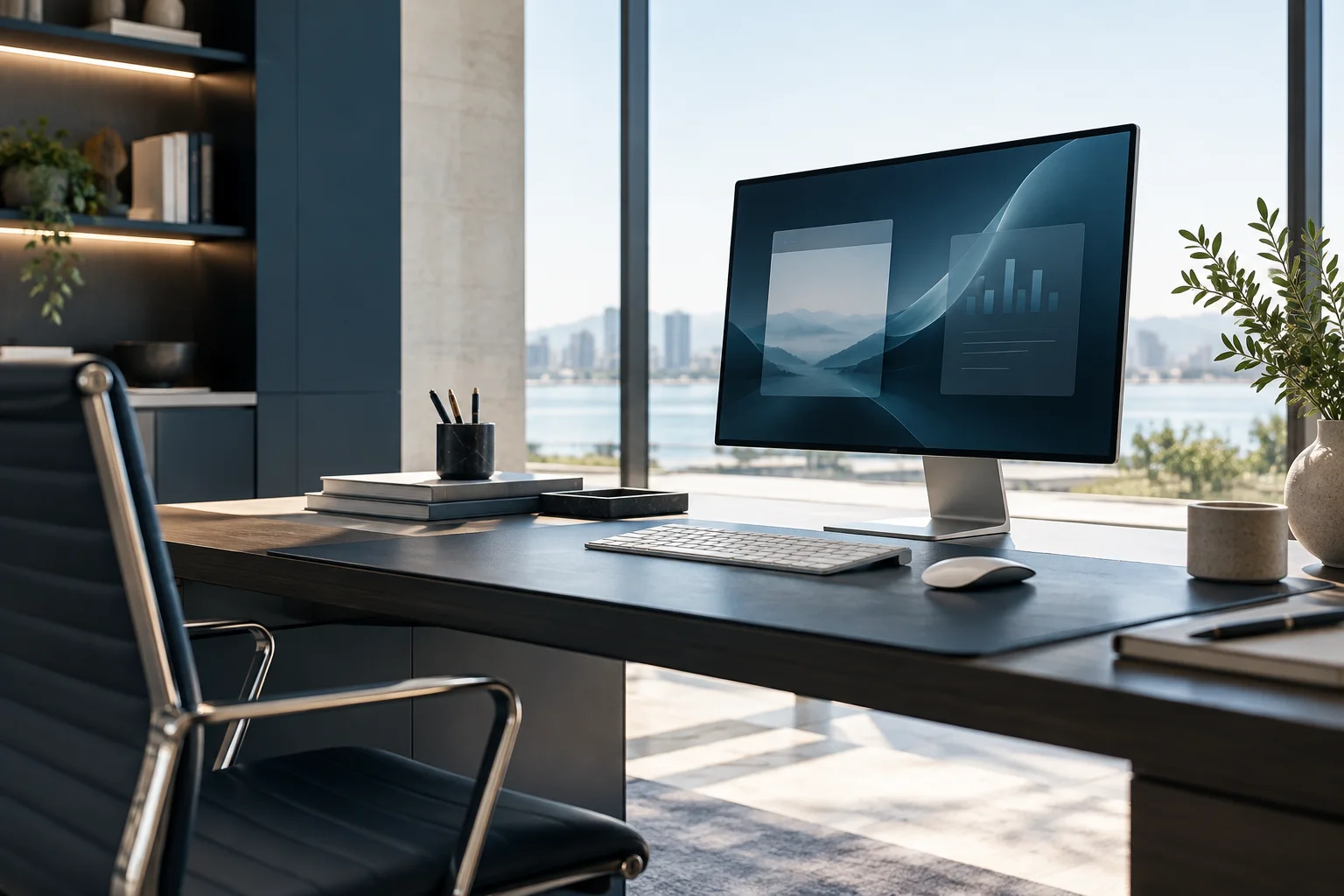
The team at EVER Pro Solutions Limited has accumulated experience from DOS and early Windows to modern desktops, Linux, enterprise servers, business communications, video and access systems, and hybrid cloud, extending to web applications across computers, tablets and phones. Working through generations of technology brings practical context to existing systems, upgrades and integration between old and new environments.
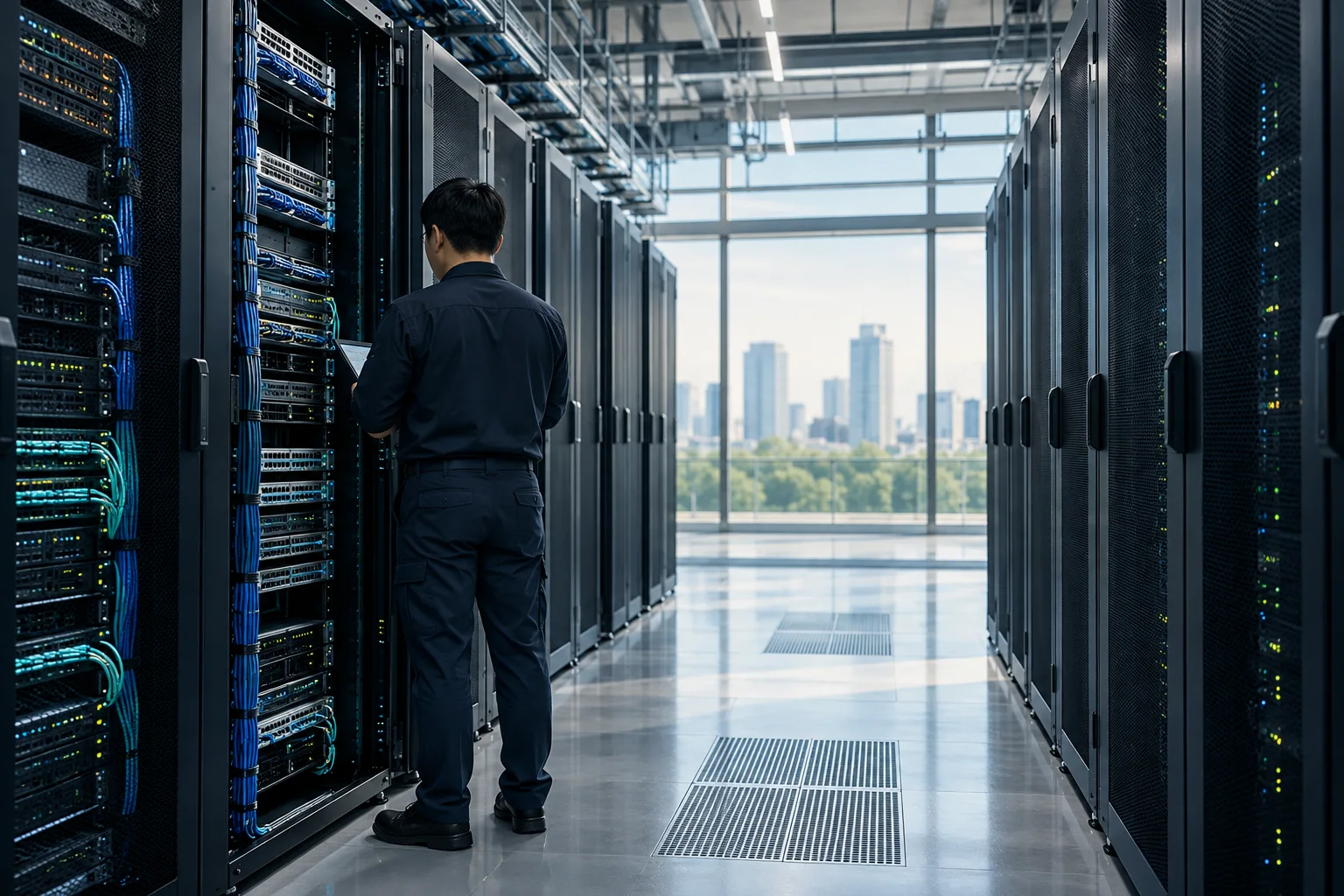
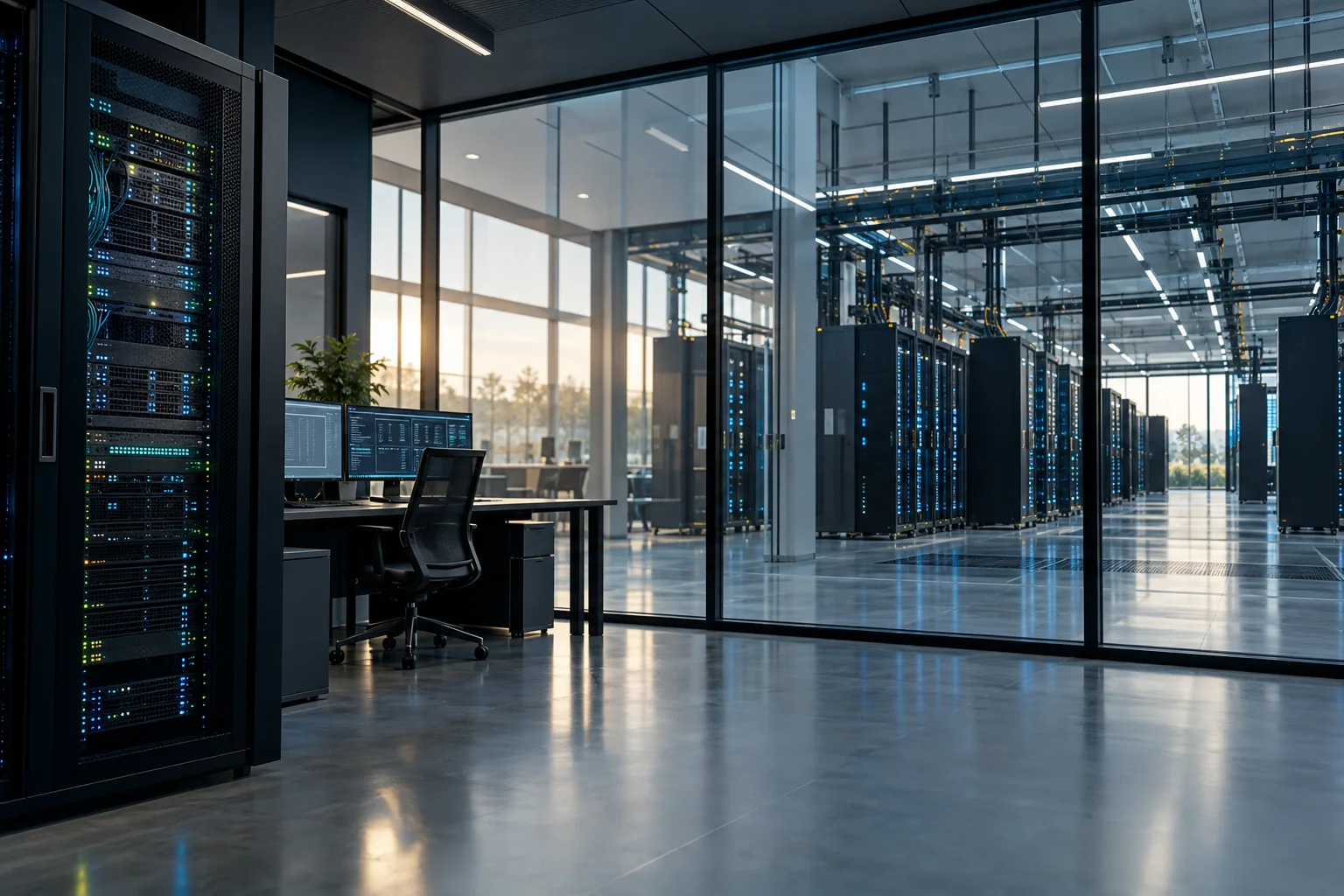
AI-generated illustrative scenes, not actual staff or customer equipment.
Desktop experience across generationsCross-device business systemsDiverse Linux platformsEnterprise servers & networkingBusiness telephony & communicationsVideo & access managementLocal & hybrid cloud
01 / EXPERIENCE ACROSS GENERATIONS
Our experience has grown alongside the systems businesses use.
From early computers to modern workplaces, our team has worked across generations of Windows. That accumulated experience helps us consider established applications, familiar working practices and business continuity when reviewing environments and upgrades.
Representative generations illustrate team experience, not an exhaustive version list. Older platforms provide historical context; new deployments are assessed against current needs and support status.
01 / DOS 5.0 · Windows 3.1
Early computing environments
Practical experience rooted in early desktop environments.
02 / Windows 95 / 98
The growth of graphical desktops
Experience through changing desktop applications and working practices.
03 / Windows XP / 7
Established business desktops
Understanding long-running office environments and application compatibility.
04 / Windows 10 / 11
Modern working environments
Applying accumulated experience to modern systems and upgrade planning.
DOS 5.0 · Windows 3.1Windows 95 / 98Windows XP / 7Windows 10 / 11
02 / CROSS-DEVICE WEB APPLICATIONS
Desktop, tablet and phone. One connected business workflow.
Work happens beyond the desk. We design web applications around business workflows, presenting the same system on computers, tablets and phones with layouts suited to the available screen and input method.
01 / Computer
Organize data and reports
Use a larger screen to review work records, organize information and read management reports.
E↗Work overview
Work reference · WK-1042
Equipment maintenance follow-up
Follow-up required
Responsible team
Support team
Next step
Review site records
Site record
Equipment details recorded. Awaiting review.
Weekly work summary
3 to follow up8 completed
02 / Tablet
Review and record on site
Look up work details on site and record information using a layout suited to touch.
E↗Work overview
Work reference · WK-1042
Equipment maintenance follow-up
Follow-up required
Responsible team
Support team
Next step
Review site records
Site record
Equipment details recorded. Awaiting review.
03 / Phone
Check status and follow up
Review key information and outstanding tasks while away from the desk.
E↗Work overview
Work reference · WK-1042
Equipment maintenance follow-up
Follow-up required
Responsible team
Support team
Next step
Review site records
Concept interface illustration. All data is illustrative. These are example use cases; actual functionality is designed for each project.
Experience across platforms brings a broader perspective.
Our team has accumulated experience using and administering Red Hat, Debian, SUSE, CentOS and Ubuntu. Working with different platforms helps us assess configurations, maintenance needs and possible changes in the context of each business environment.
Platform names reflect accumulated team experience; not every version is suitable for a new deployment.
04 / ENTERPRISE INFRASTRUCTURE
Understanding business systems takes practical experience.
Our team brings experience with Windows Server from 2008 onwards, alongside AD, Exchange, networking and system integration. We consider the relationships between accounts, workstations and services, as well as the impact of changes on everyday operations.
01Windows Server 2008 onwards
02Active Directory
03Exchange
04Networking & integration
05 / BUSINESS TELEPHONY & COMMUNICATIONS
From traditional telephone systems to IP communications.
Our practical experience also covers business telephony and communications, with hands-on use of Yeastar, 3CX and Panasonic telephone systems. From traditional PBX systems to IP communications platforms, this experience brings context to everyday business communication needs.
01 / Hands-on usage experience
Yeastar
Hands-on Yeastar experience, with information on appliance, software and cloud deployment choices.
Hands-on experience using Panasonic KX-TDA and KX-TDE series telephone systems, covering the models below.
Models used
KX-TDA100
KX-TDA200
KX-TDE100
KX-TDE200
Brand names and model numbers identify the scope of team usage experience; they do not indicate vendor certification or partnership. Suitability is assessed against the existing environment, version and business needs.
From equipment experience to independently developed management software.
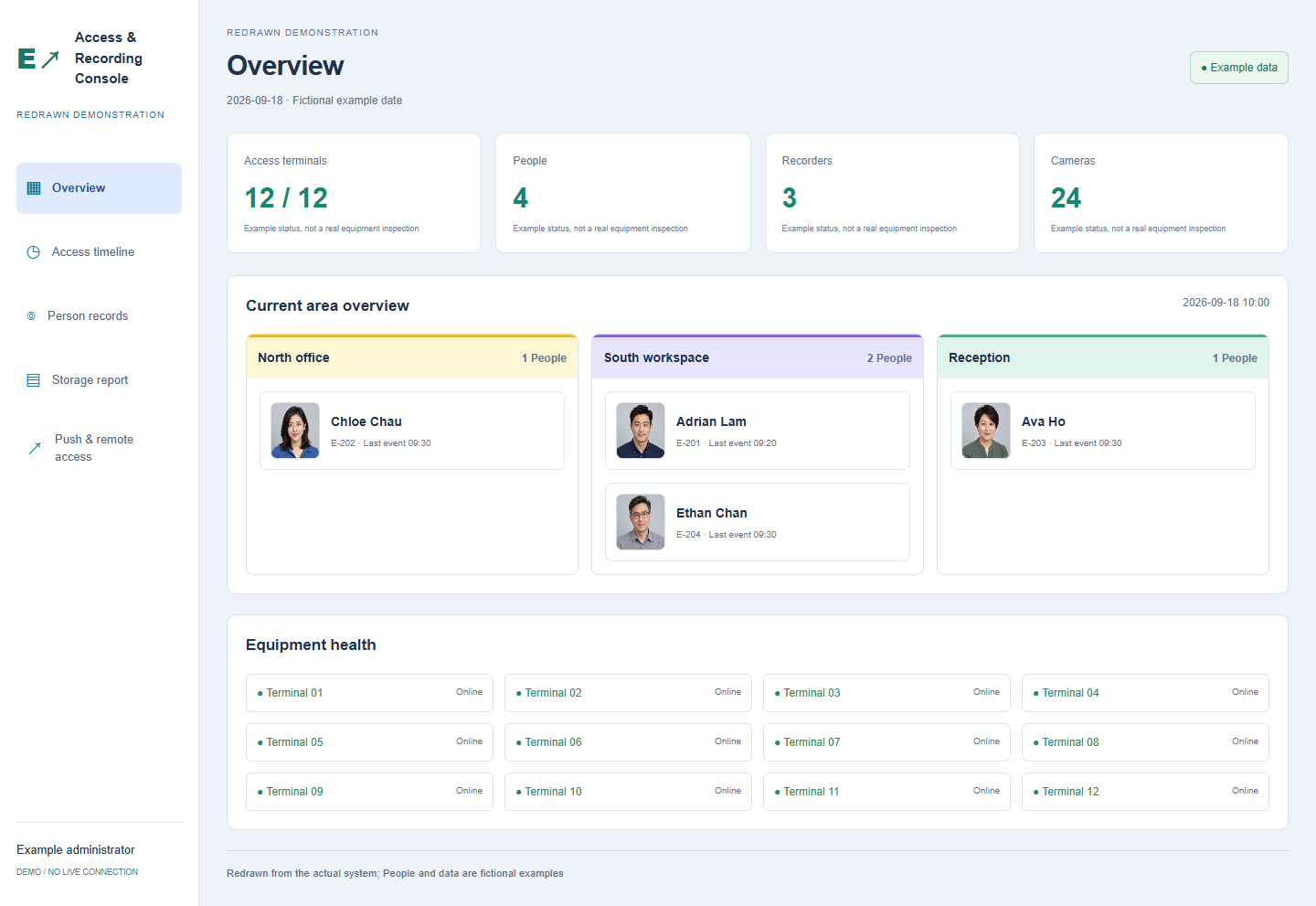
Hands-on experience with Hikvision CCTV and access products, alongside an independently developed console for access records, equipment health and historical reports.
EVER PRO development · operational project
Access Terminal Console
Review access events by date and timeline, with a central view across recorders, disk status and available recordings. Includes a cross-platform web interface with Web Push and remote-door entry points.
Redrawn from the actual system; people and data are fictional examples.
07 / LOCAL + CLOUD
Grounded locally. Connected to the cloud.
Our experience extends from on-premises equipment to cloud and hybrid infrastructure. We plan the roles of local and cloud systems around existing environments, data requirements and everyday operations.
ON-PREMISES
Local infrastructure
Business equipment & existing systems
Connection & integration
CLOUD
Cloud services
Resources aligned with business needs
Illustrative architecture. Connections and data flows are assessed for each project.
EVER Pro Solutions Limited
The value of experience is understanding your existing environment.
Our team’s practical background helps us consider both technology and everyday operations when planning the next step.
Understand established systems and working practices.
Consider compatibility between existing and new environments when assessing upgrades.
Plan around both technology and everyday business operations.